
Uchujin at IBC 2017 with Newsshooter.com
A couple of weeks ago I was very lucky to get to work with legendary DP Rodney Charters, Kaiman Wong, Dan Chung, Daniel Peters, Mickey Westcott and Maria Sergejeva on a video for Atomos about their new Sumo 19″ monitor/recorder
It was a really fun 2 days and great to work with such talented lovely people.
Watching Rodney light a scene was amazing.
The monitor is really nice too :)

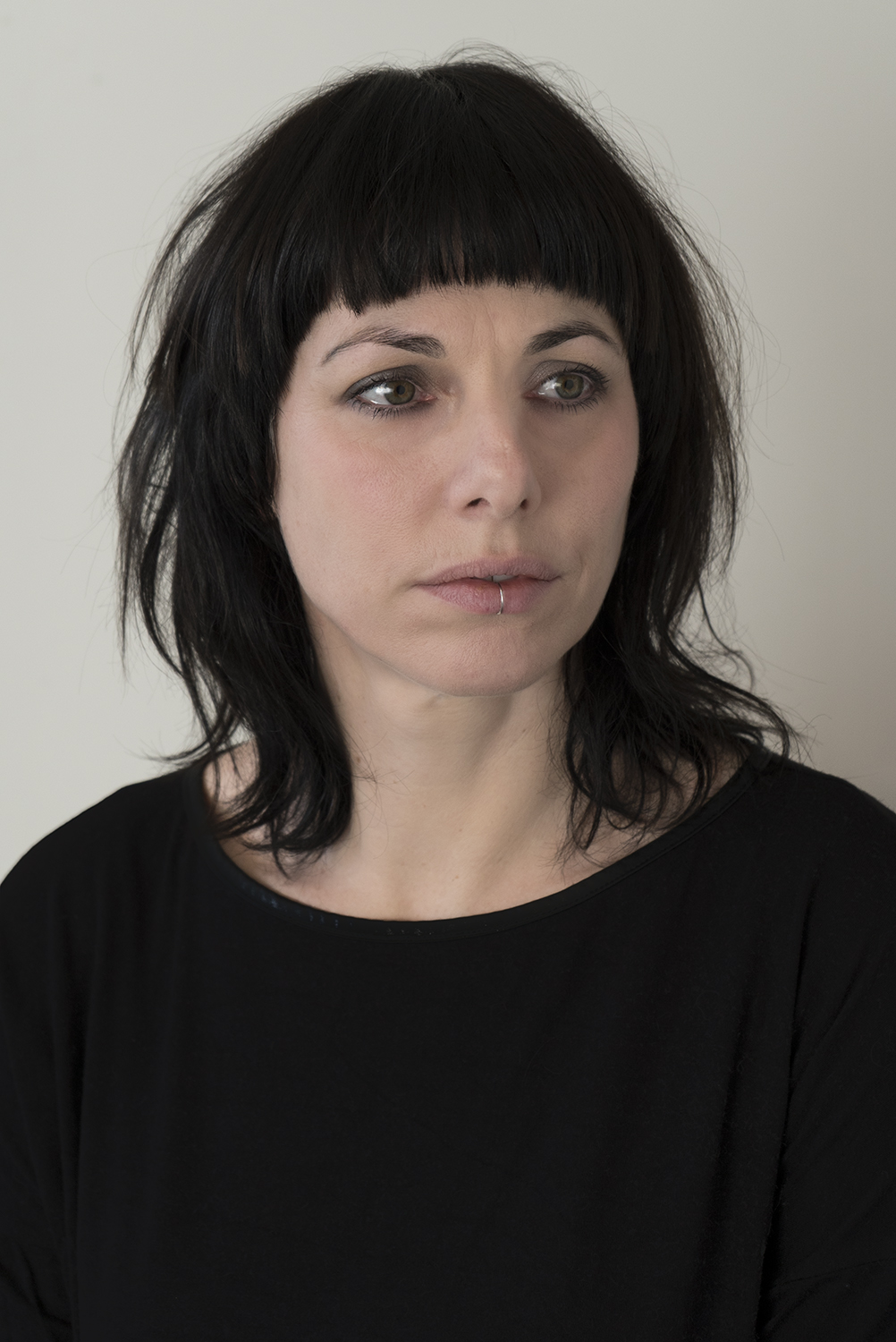
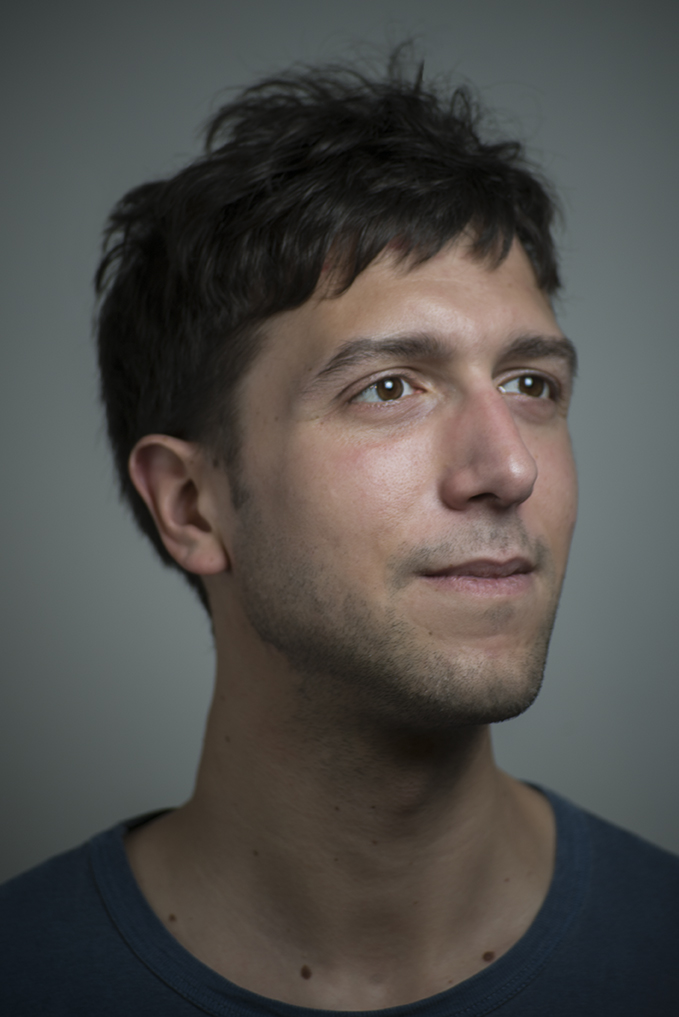
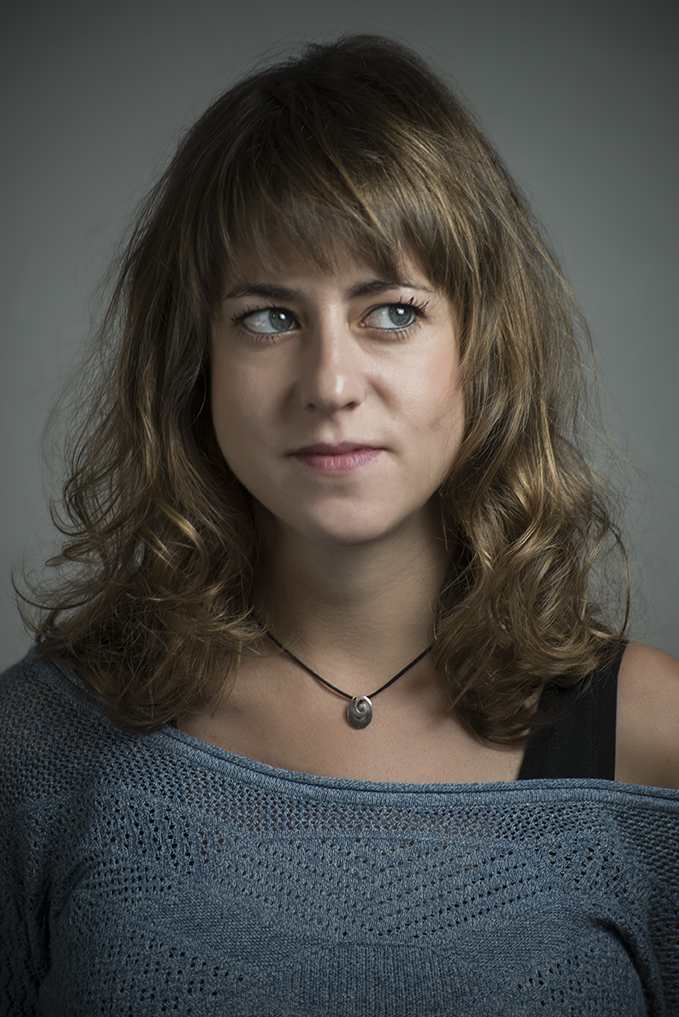
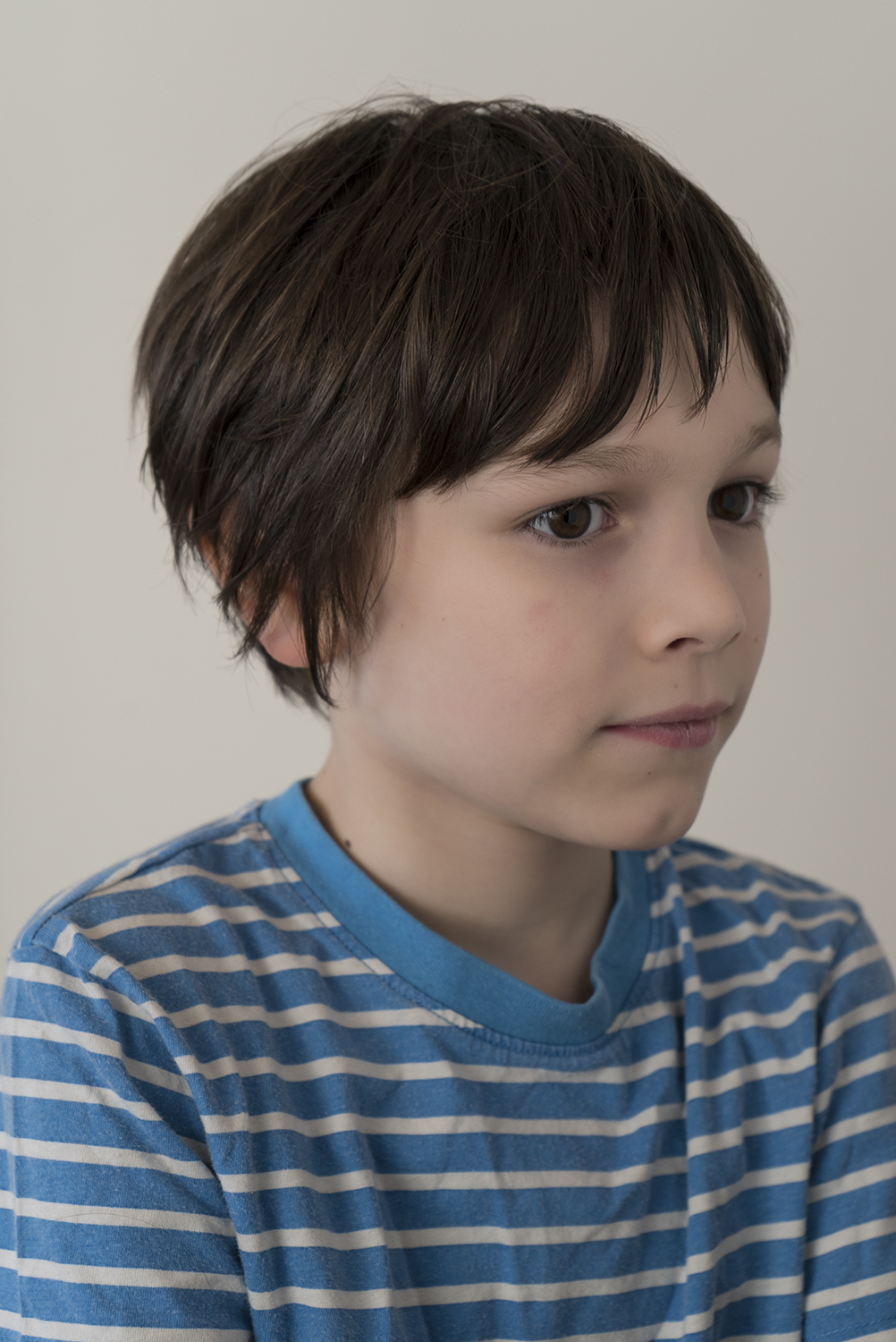
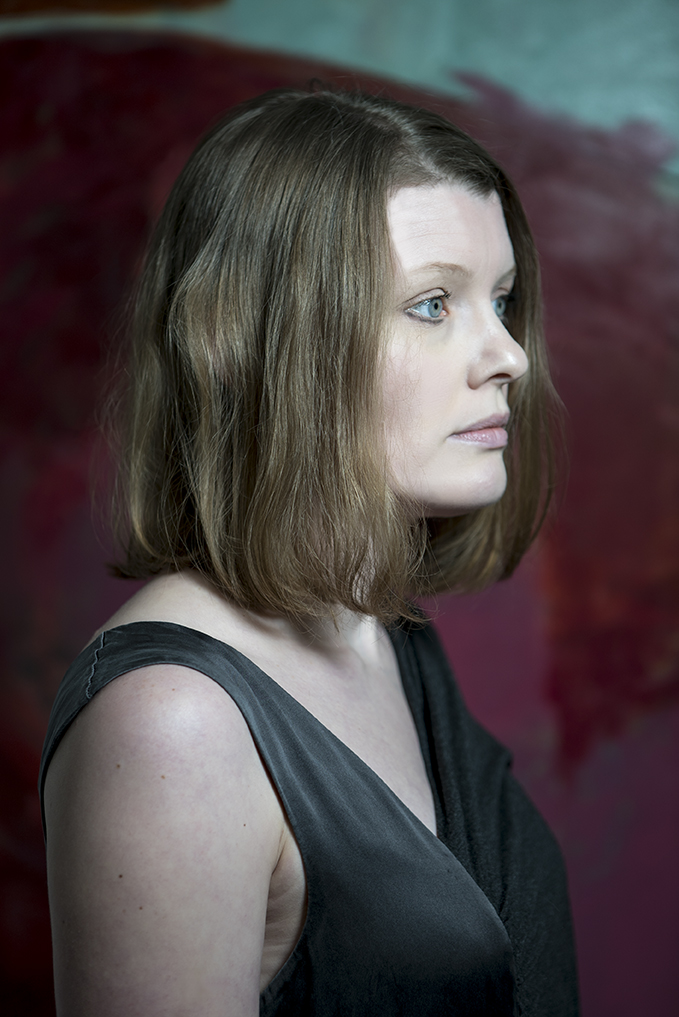
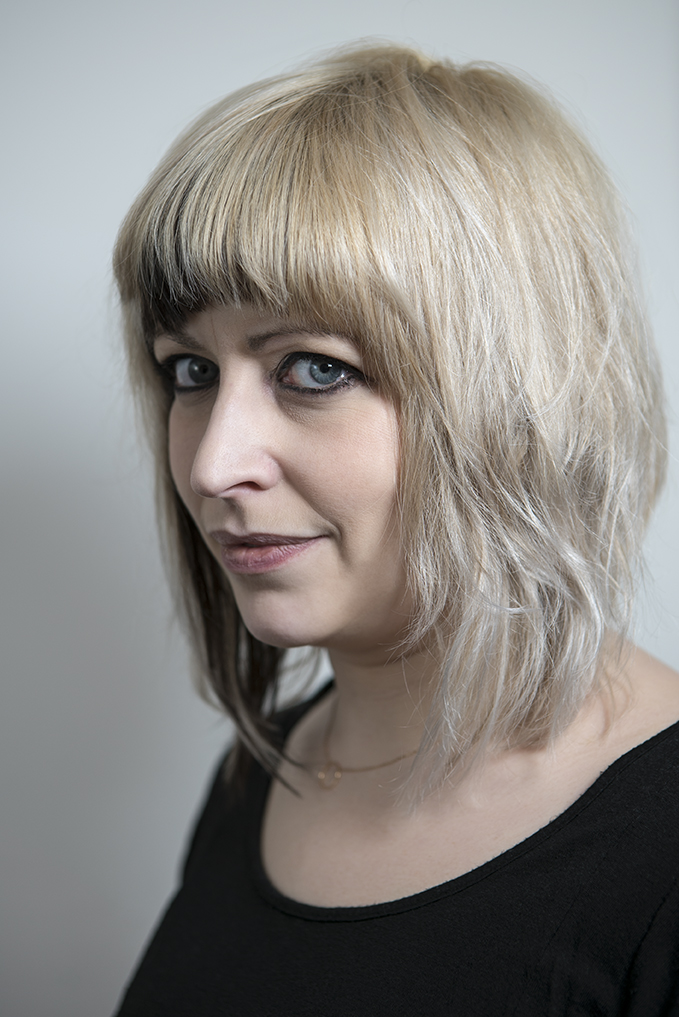
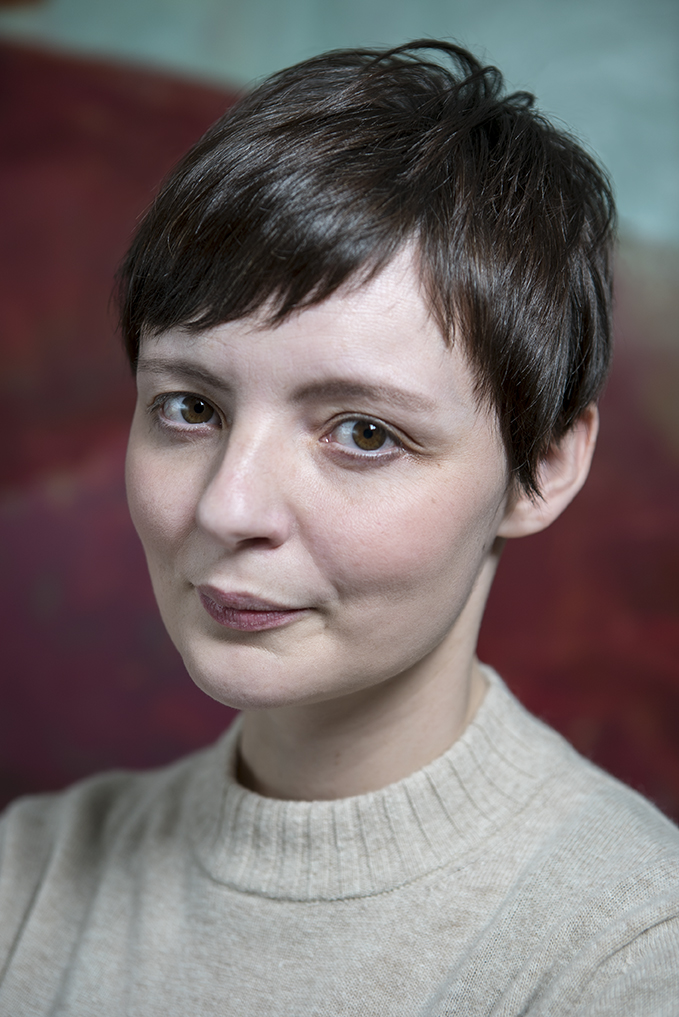
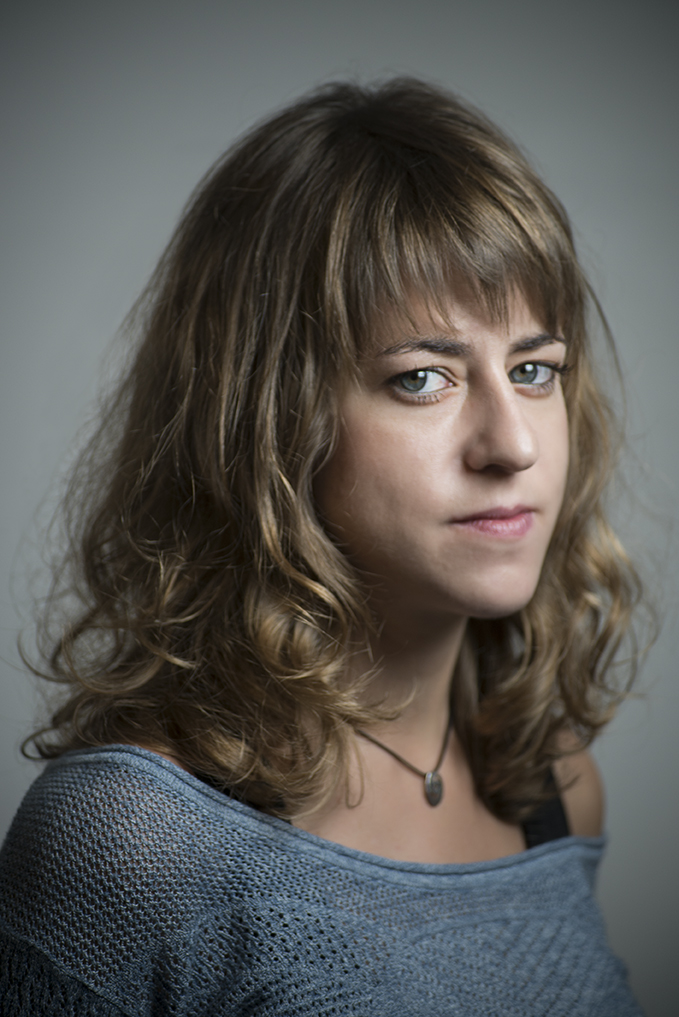
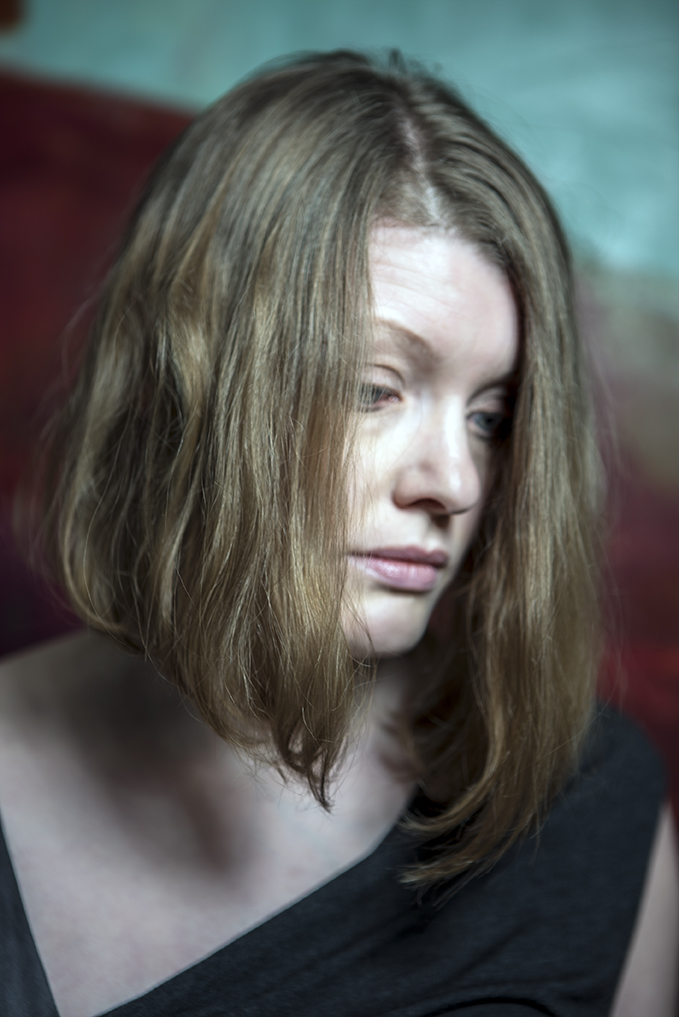
I don’t get to take a lot of photos that feel like work these days what with my focus having shifted almost entirely to cinematography, but my wife has been setting up her freelance hairdressing business here in the UK and asked me to build her a website and take pictures of her haircuts for marketing and promotion.
It was actually a lot of fun and I’m pleased with the way they turned out, helped of course by the fact that she is very talented and we had some great models!
If you are near Cambridge, UK and want a really good haircut from a Japanese hairstylist with 15 years experience check out chiharugotoh.co.uk









The BVE 2017 show was held at the Excel center in London’s Victoria dock area from 28th Feburary to 2nd March and I was there with Dan Chung from Newsshooter.com.
Here are the videos I shot and edited for Newsshooter.com at the show.
http://www.newsshooter.com/2017/03/01/prototype-fujinon-mk-50-135mm-t2-9-shown-at-bve-2017/
http://www.newsshooter.com/2017/03/01/arri-alexa-mini-2nd-birthday-at-bve-2017-no-plans-for-an-immediate-replacement/
http://www.newsshooter.com/2017/03/01/first-panasonic-gh5-cage-from-8sinn-shown-at-bve-expo/
http://www.newsshooter.com/2017/03/01/smallhd-503-ultrabright-2200-nit-daylight-viewable-5-inch-field-monitor-at-bve-2017/
http://www.newsshooter.com/2017/03/02/xeen-20mm-t1-9-demonstrated-at-bve-expo-with-test-shots/
http://www.newsshooter.com/2017/03/02/a-closer-look-at-the-blackmagic-design-web-presenter/
Here are additional videos from the show that I shot but didn’t edit, I even make cameo appearances :)
The usual suspects were at the show causing trouble, for the 2nd time at a show Dan and Kai Man Wong got us moved along by security for messing about with cameras on the charters pole

And my favorite tattoo at the show was this little number that not many people would recognize…….

After seeing my short “Not with a bang” when he was the judge at St Neots Film Festival, Christian “Documentally” Payne hinted that he’d quite like an ident for his videos in a similar style, so seeing as it was his birthday and I hadn’t got him a card…….
You can watch the ident above and read about how I made it below :)
Christian said he wanted something “dystopian” so armed with a Sony A7SII and a CameTV Optimus gimbal I went out and shot some short clips in a deserted town center in deepest darkest England. Obviously not on a Friday night because who wants to walk around with loads of expensive gear and long hair in an English town center with all those drunk Brexit supporters, not me that’s for sure.
I was looking for big signs to replace with his website address, a shot that could be anywhere and which signs I would need to replace that were parallaxing behind other things as that is a lot of extra work.
Once I had watched the footage, decided on which shot I was going to use and imported it into Premiere Pro to trim it to the correct length, the fun began.
The workflow I used was similar to the process used in “Not with a bang” but thankfully less complicated, it goes like this:-
For each sign or element that needs replacing find the frame in the original video where it is at its largest and export a TIFF of that frame, making a note of the frame number.

Open it up in Photoshop and paint out unwanted elements (e.g. text) in the original sign using a combination of the clone tool, fills and adding noise to make it look as “in the scene” and natural as possible.
Add in any text or images that will replace the original sign. Tweak to taste referring back to the original frame to match grain, lighting and faux-3d position.

Turn off the background layer in Photoshop and export a transparent PNG of the whole 1080p frame with just the new element and its background.
Open a new After Effects composition, import the footage and the transparent PNG you just created.
Marvel at how great it looks, or tweak it using curves etc until it does.
Open a new Mocha Pro project and import the footage.
Carefully track the sign/element you are replacing paying particular attention to the planar surface, the corners need to be accurately placed and tracked for this to be convincing.
This step can get complicated if the track doesn’t want to play ball or if the element you want to track passes behind other things in the scene or if there are lots of reflections or if the scene is shot at night and the footage is grainy or……lots of other reasons. Just persevere with it, Mocha is very good at tracking (way WAY better than the native tracking in After Effects).
Once you have a good track position the play head in Mocha to the frame number you took the original still from and use the “align selected surfaces” button to push the corners of the planar surface out to the corners of the 1080p frame.
Hit the “Export Tracking Data” button and copy the “After Effects Corner Pin (supports motion blur)” data to the clipboard.

Hop back into after effects and paste the data onto the PNG layer (with the playhead at the beginning of the composition)
Play back the composition and exclaim – 1) “oooh that looks nice” or 2) “fuck that doesn’t look right”
For option one, pat yourself on the back, save the after effects project and have a nice cup of your chosen hot beverage, you need to get up and walk around now because you’ve been at staring at a screen for long enough. For option two, try to figure out why it looks shit and go back into Mocha to refine the track or Photoshop to tweak the replacement until you get to option one.
Deep vein thrombosis averted re-watch the original clip paying very close attention to any reflections that pass over your replaced element or brightness changes that occur over the clip duration.
In After Effects watch your composition again and think about wether you need to add brightness/curve adjustments over time to mimic any changes you noticed occurring in the original shot.
If you noticed reflections you may need to place a copy of the original footage over the top of your lovely tracked replacement and mask some areas so we can see the reflections again, it needs to look as real as possible because our brains are very fucking good at noticing when it doesn’t.

Right done all that? Now go back to the beginning and do it all again for every element you want to replace!
If one of your elements passes behind another element in the scene scratch your head and think about how you are going to make that work with a combination of masked copies of the original footage or some other voodoo.
If there is a reflection of something you have replaced visible in a shiny surface in your footage you are going to have to deal with that too. It will be a pain in the arse, especially if the surface it is reflecting in is curved, good luck with that.
Ok, really all done and happy?
Great! Render out the final composition from After Effects as a nice high quality ProRes file.
Import it back into the original Premiere Pro sequence and place it above your original footage.
Add any additional effects like the old TV or RGB split ones I used in places, add an adjustment layer and colour grade to your chosen look.
Add in the lovely audio track that you got sent to complete the recipe…
Export to a nice internet friendly codec.
Upload to Vimeo or Youtube and send your friend/client a link and revel in all the praise they heap upon you for your great (and fast) work.
Go and have a well deserved beer.
Alternatively hire me to do it all for you, my rates are surprisingly reasonable.
Starting the new year as I mean to go on I’ve been working on a few new things with more exciting stuff coming in the next couple of months.
One of those is a collaboration with Christian “Documentally” Payne – Creative Director, Technologist & Documentarian.
(And it should be noted a very interesting, funny and nice man, you should subscribe to his newsletter – the poor dear only has 25K (!!) followers on Twitter so go follow him there too:)
Here is the video we are using to pitch for work, feel free to share it EVERYWHERE!
If there’s anything we can help you with don’t hesitate to contact us!
Need a video?
Christian “Documentally” Payne & Adrian “Uchujin” Storey have teamed up!
Should you need any top-spec high quality videography let us know.
Documentally.com and uchujin.co.uk
on twitter:
twitter.com/documentally
twitter.com/uchujinphoto
My D.O.P. / Camerman / Editor Showreel 2016
Music “A shrine for horses” by Laica – laica.bandcamp.com
Used with kind permission of the artist.
You can see my previous years show reels HERE.
Please contact me for worldwide projects large or small.
This months piece I DP’d, shot and edited in Belper, Derbyshire for my good friends Postfuel is now up on the Influx site.
This time it’s about Bowler Motorsport, a company that builds custom rally cars based on Land Rover Defenders.
Another fun and interesting job contributing to my slow and steady slide towards becoming a car nut.

The past few weeks has been a blur of (good) busyness what with a trip to IBC in Amsterdam at a days notice with the newsshooter.com team, a D.P. and editing job for my mates Postfuel on drift car nutter Buttsy Butler, a motion graphics job and then this past week to Photokina in Cologne again with Dan and the newsshooter.com team.
Trade show coverage is a strange manic beast with many gruesome heads that sees you shooting, editing and uploading several spots a day all while running around an enormous conference center whose floors are made from the hardest substance known to mankind (or at least that’s what my poor feet tell me after a week of walking 15km a day carrying a load of gear!).
Luckily the news shooter team consists of some truly lovely and hugely talented people so the manic intensity is offset with a lot of laughs and learning.
Big shout out to Dan Chung, Matt Allard, Lilian Ahlskog, Simon Glass, Joe Marine, Scott Karlins, Daniel Lindner, Tom Barnes, Katie Teesdale-Ward and Dave Newton for making the past few weeks so great.
Can’t forget a thanks to the cinema5d boys for being so damn friendly too :)
Anyway, below are the videos I shot and edited for news shooter at Photokina. Oh and by the way those nice News shooter idents at the beginning of every video….I made those too :)
Oh and for the record they were all shot on my trusty 4 year old Canon C100 MkI with Sigma and Tokina lenses. Despite all the hype of 4K and gear lust a camera that still looks great and works reliably every. damn. time. :)
Oh and there’s a load of photos from IBC and Photokina over on my Instagram account too.
Here are some additional videos that I shot but didn’t edit from Photokina:-
The piece I DP’d and edited on drift car nutcase Buttsy Butler for my good friends Postfuel is now up on the influx site.
Great to be working with Postfuel again and a lot of fun meeting Buttsy.
Only downside is I’m starting to get quite into cars :)


I am proud to unveil the collaboration video I Directed/Shot/Edited for Nakajima Hiroyuki’s upcoming “LIFE” Exhibition at Bunkamura Box Gallery in Shibuya.
NAKAJIMA HIROYUKI
生/LIFE
June 7th-13th, 2016
10:00–19:30 (Last day 10:00–17:00)
Bunkamura Box Gallery
bunkamura.co.jp/english/
The video is also available in Japanese – HERE
The film will also be playing at the exhibition and I hope to see some of you there to see Nakajima San’s beautiful work.
It has been a real honor to work with Nakajima San on this and some other projects over the past few months and I would like to thank him again for choosing to work with me on this project and for my lovely new Uchujin logo.


Corporate Shoot – Fragrance Laboratory