It’s that time again, a self-indulgent review of my year and this is only part 1!, ostensibly for anyone reading here but basically for me to remember all the stuff that went down.
Eric Arthur Blair’s (better known as George Orwell) birthday and the 10th Anniversary of the 1984 Symposium, a gathering put together by Christian “Documentally” Payne to bring together some like (and not so like) minded people to discuss issues surrounding civil liberties, surveillance and the current political climate. (And this year quite a lot about Hammocks and barefoot shoes…)
Christian always holds his gathering on George’s birthday regardless of what day of the week it is, this year it happened to coincide with the Orwell Society’s visit which happens on the closest Sunday. That meant that as well as our merry band, a number of Orwell Society members were in attendance including Richard Blair (Orwell’s adopted son) and Archie Blair (Orwell’s grandson), who both gave readings from Orwell’s writings.
Christian also had a special treat for those of us in attendance, a specially brewed bottle of “Wallop”, a “mild” beer brewed to the same recipe as the beer Orwell himself was fond of, with custom designed labels by Jess Payne. (“Wallop” is rhyming slang – Wallop the child, Mild:)
I’m, of course, a long time fan of Orwell and in particular “1984” (though arguably Aldous Huxley’s “Brave New World” is closer to our current shitshow situation – The oppressive state does not need to force data collection etc upon us we submit to it willingly (Facebook et al) in exchange for shiny things…..) so to celebrate his birthday at his graveyard was a great honor and one I hope to repeat, along with Documentally and the other participants for many years to come (until such gatherings are illegal of course :)
You can hear the full readings by Richard and Archie Blair HERE (Audio recorded by Me and edited by Documentally)
Plenty of other #1984symposium content over on the Twitter hashtag HERE
Technical mumbo jumbo:
Video shot on Sony A7sII with Sony FE 28-70 lens, CameTV Optimus gimbal, Rode Video mic pro and RodeLink wireless filmmaker kit.
(Photo courtesy of Christian “Documentally” Payne, tattoos and receding hairline all mine)
Additional footage from Documentally’s Livestream of Richard and Archie Blairs readings.
Music “Diffusa Est” by the Soli Sisters (used under a creative commons license)
Shooting some 200fps slow motion with the Sony PXW-FS5 (raw upgrade) and Atomos Shogun Inferno I’m reviewing for hireacamera.com What better way to test it out than to throw water balloons at Christian “@Documentally” Payne in the sunshine?
Music “Down Around Bull Creek” by Walker Winn soundcloud.com/walkerwinn Used under a Creative Commons 3.0 licence
Our original plan was to film Christian on a trampoline, whilst throwing water bombs at him (I know right? genius)
However, during the warm-up shot there was a little….ahem…….incident :)
NO DOCUMENTALLY’S WERE HARMED IN THE MAKING OF THIS FILM! (ok he had a tiny graze on his knee which he’s still going on & on about…….oh and a bill for a new trampoline :)
In case anyone cares:- Recorded in ProResHQ on the Atomos Shogun Inferno Lens – Fujinon 18-55 T2.9 at about 25mm T5.6 (Also from hireacamera.com) 1000ISO with varying amounts of ND Minimal colour correction in Premiere Pro
Documentally: Can’t sorry, will have to be Thursday…..unless you want to come to Wales tomorrow morning?
Me: Er….sure, I’m in!
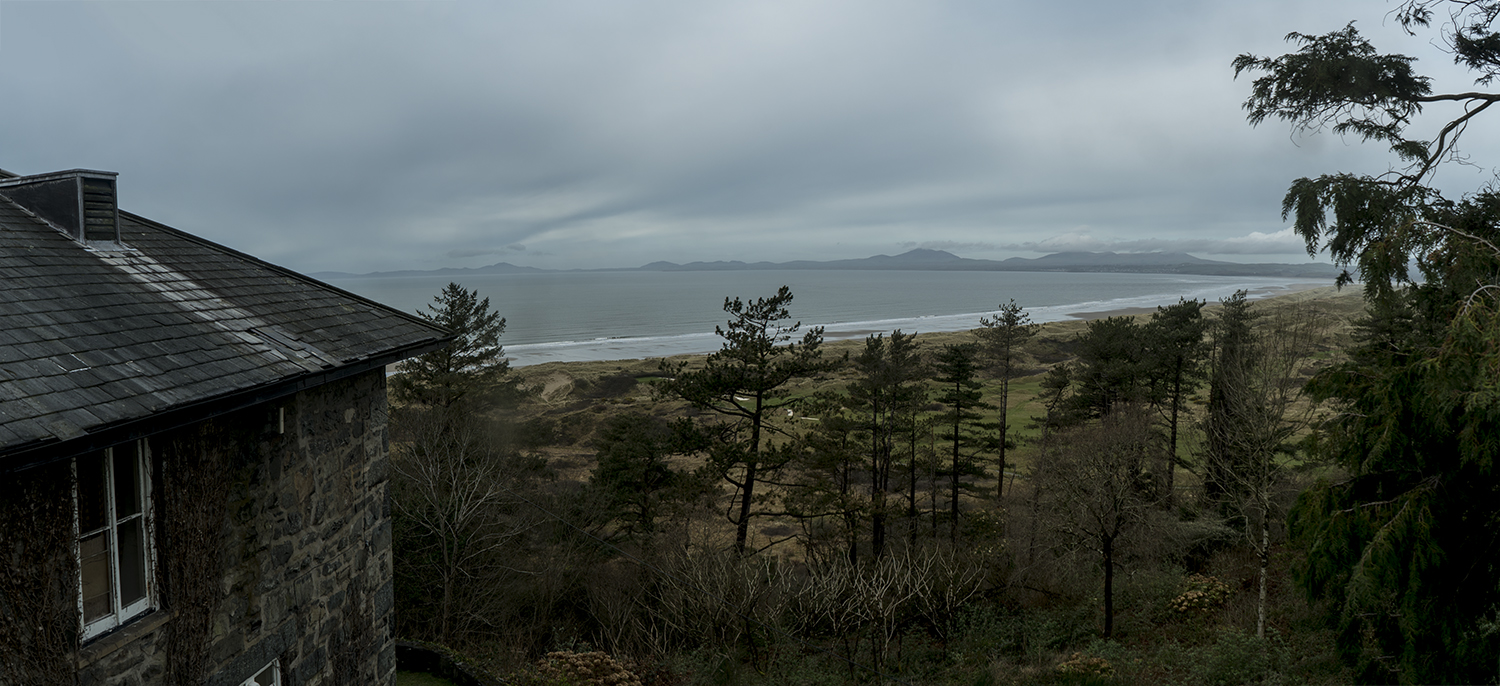
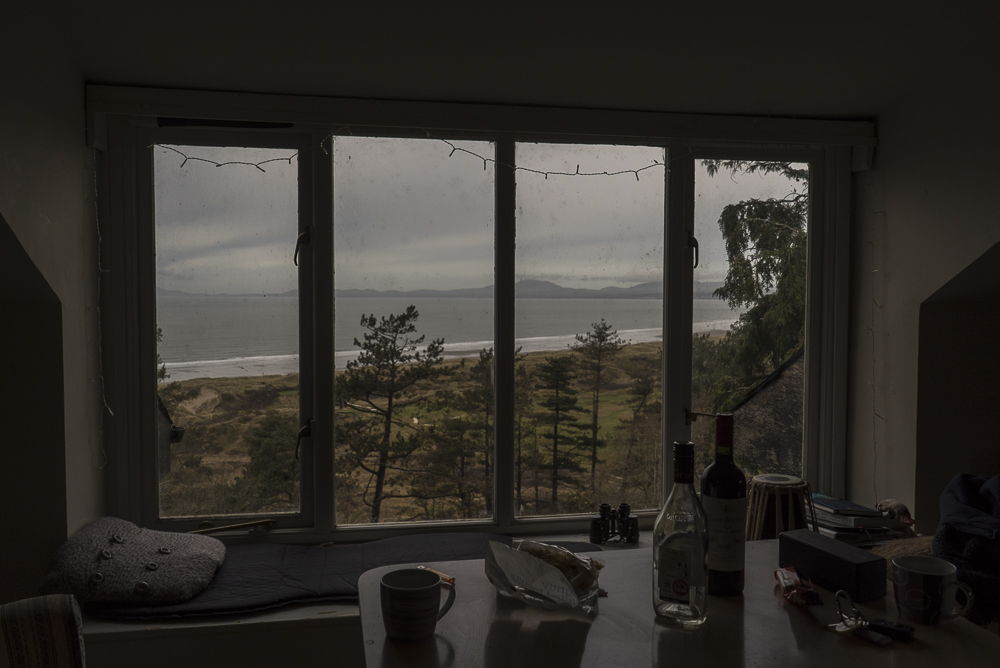
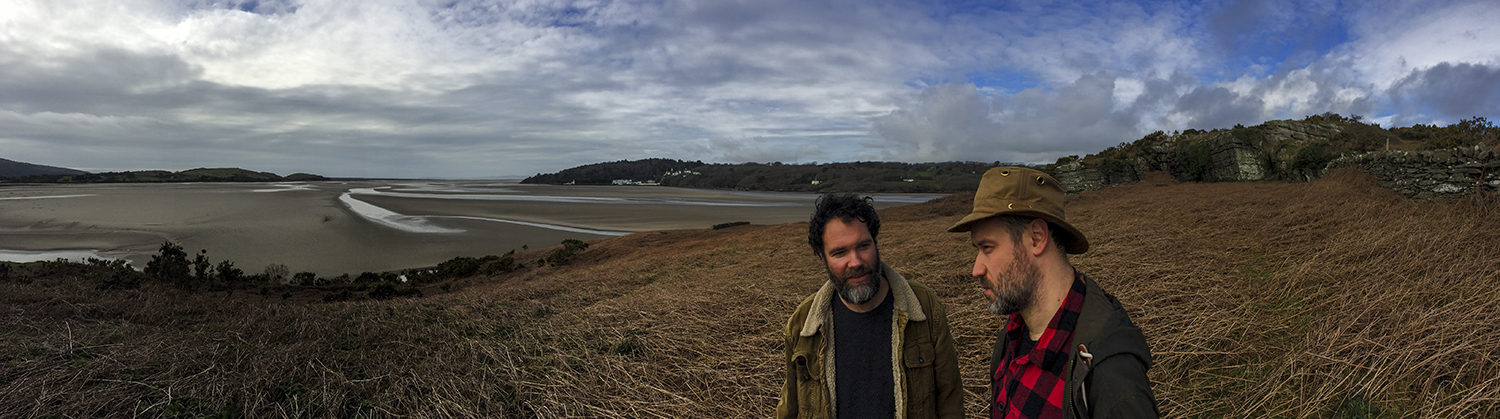
And it’s as simple as that to end up in a car the next morning with an interesting, intelligent and funny man for 4 ish hours traversing the breadth of the country ending up in the majestic countryside of the Snowdonia national park and the North Wales coast.
Cries of “road trip”, plenty of swearing as we gradually lost first 4G then 3G signal, some great tunes, coffee, the changing countryside and great company.
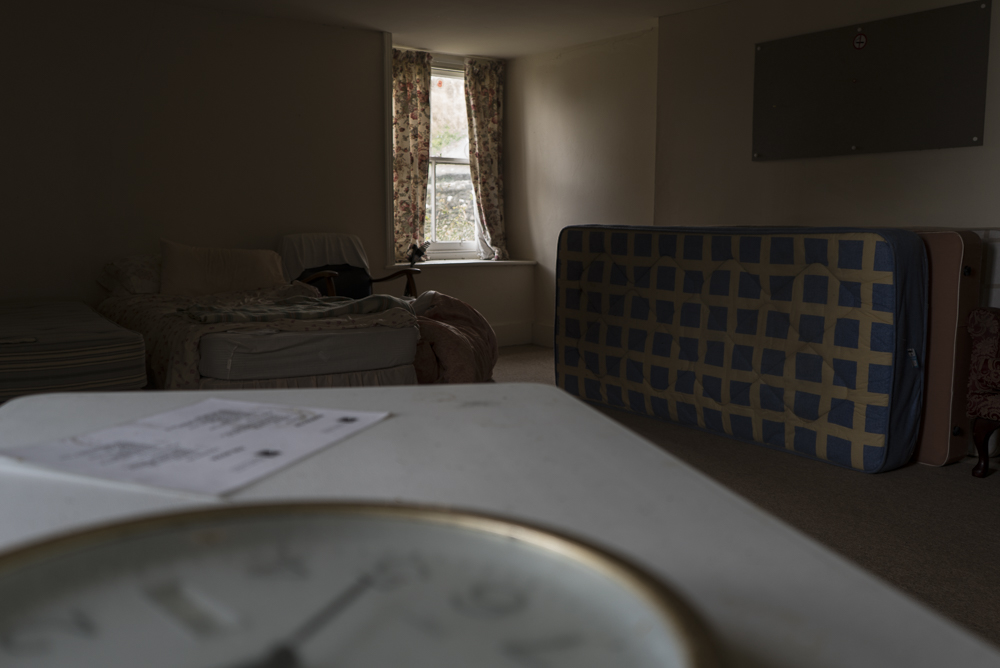
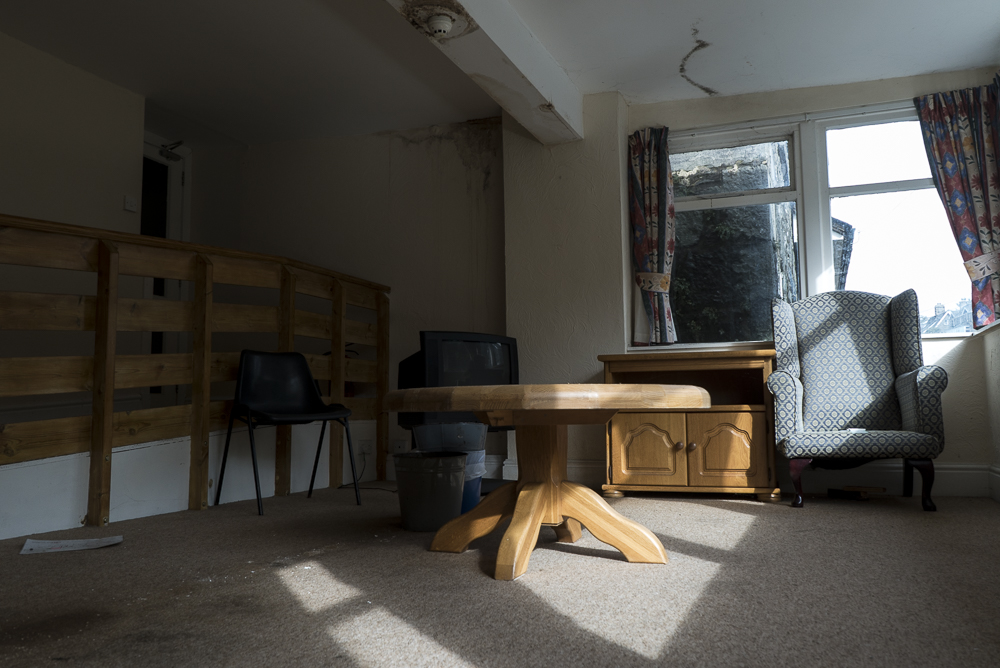
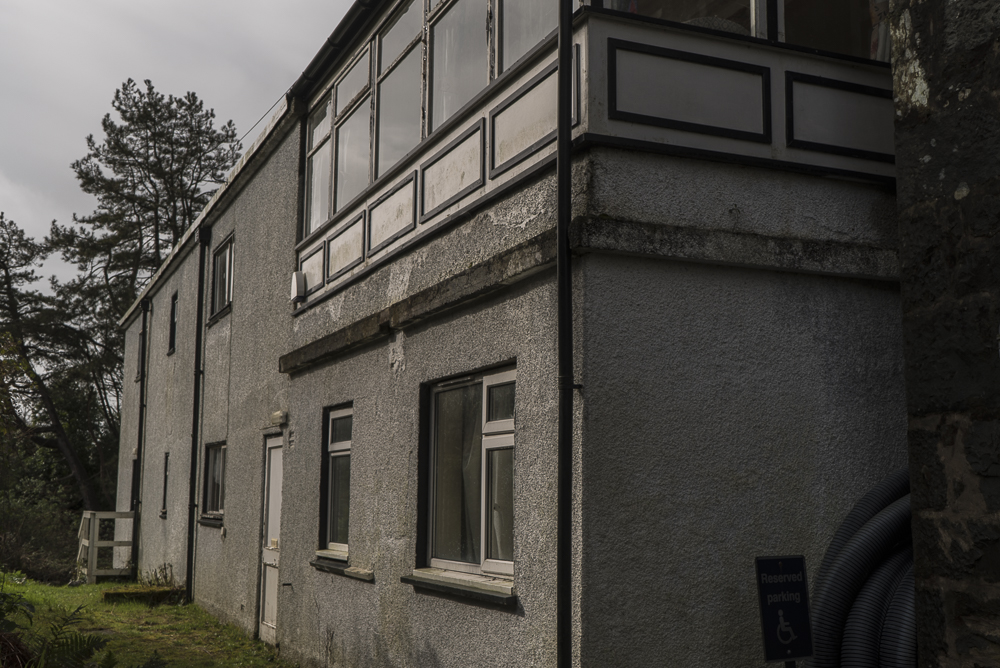
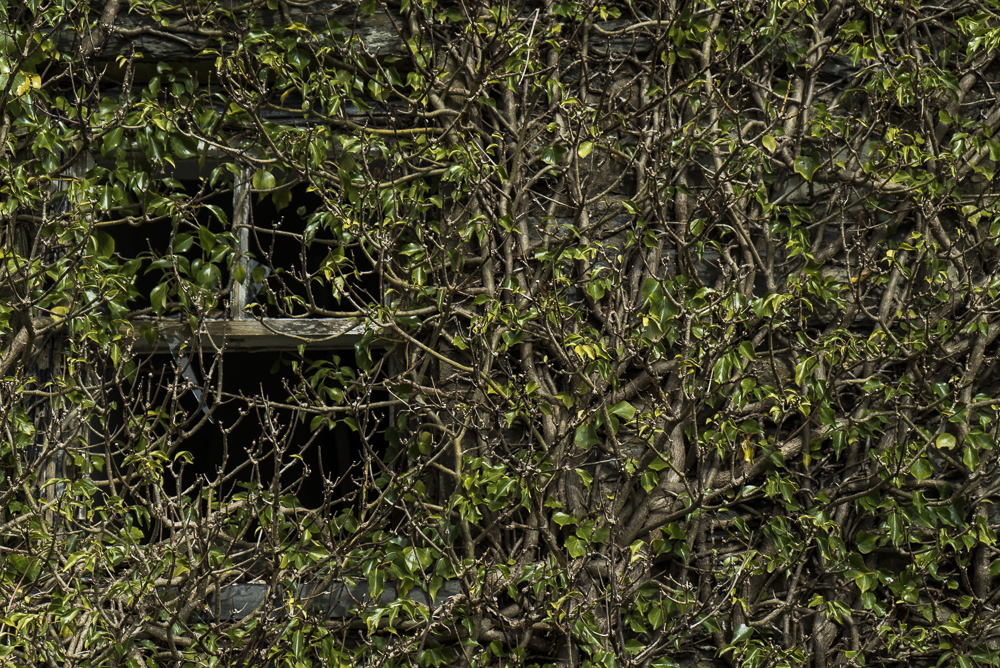
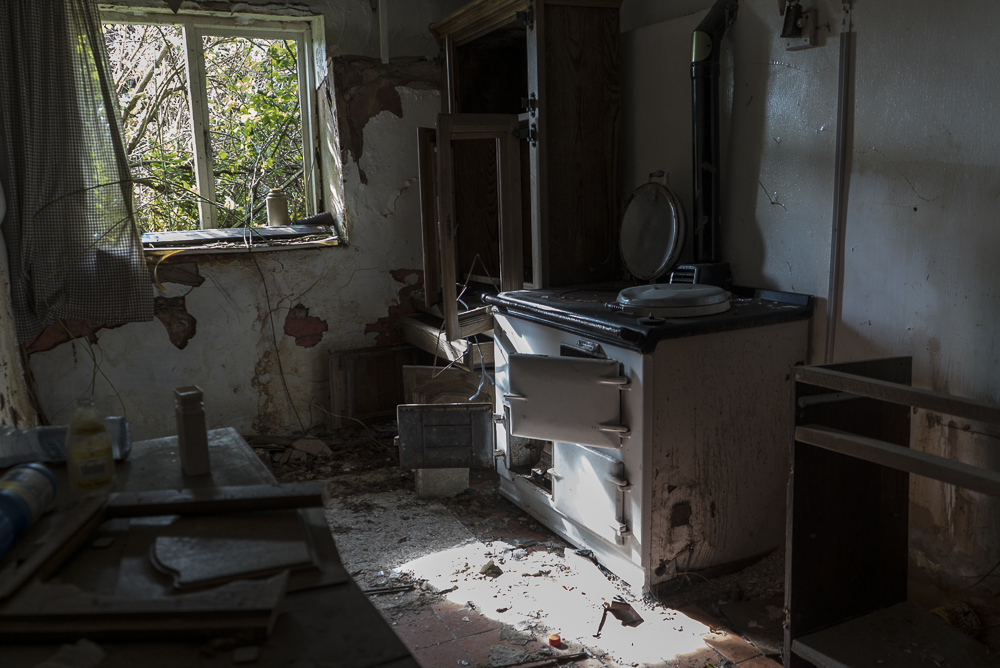
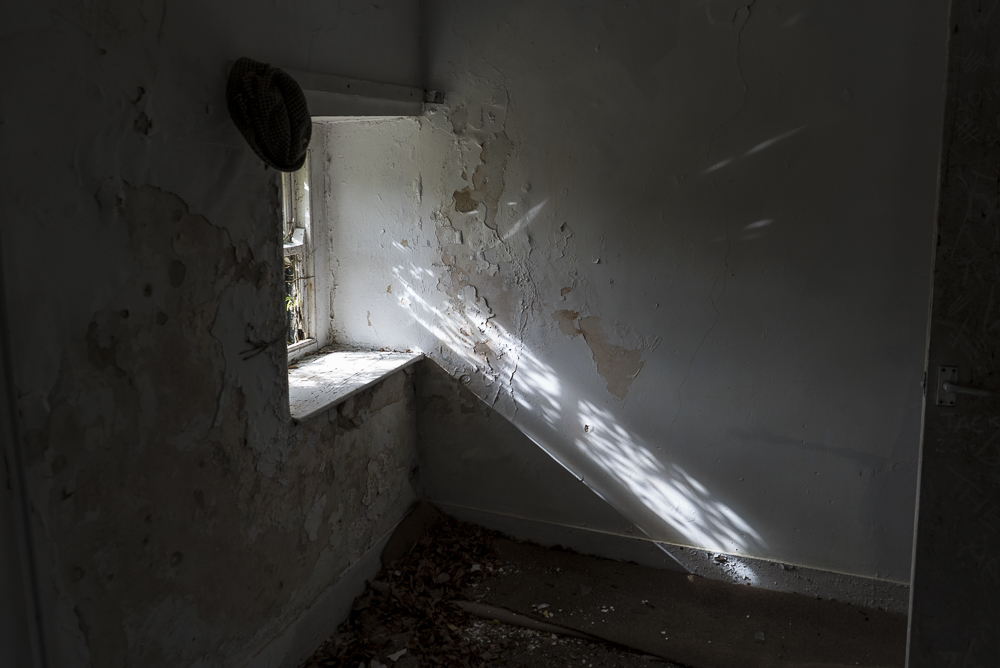
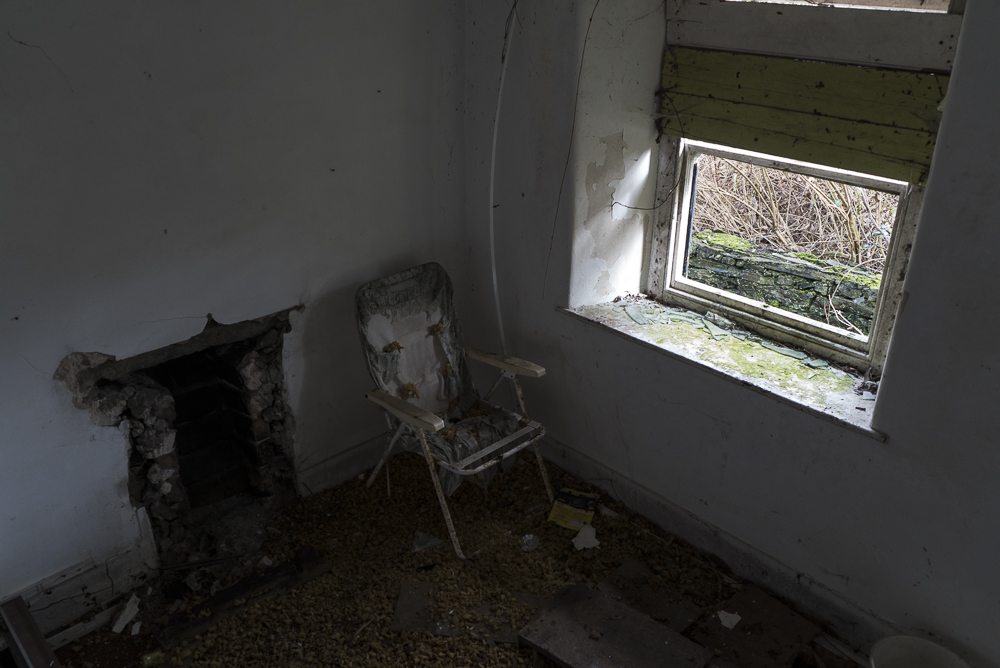
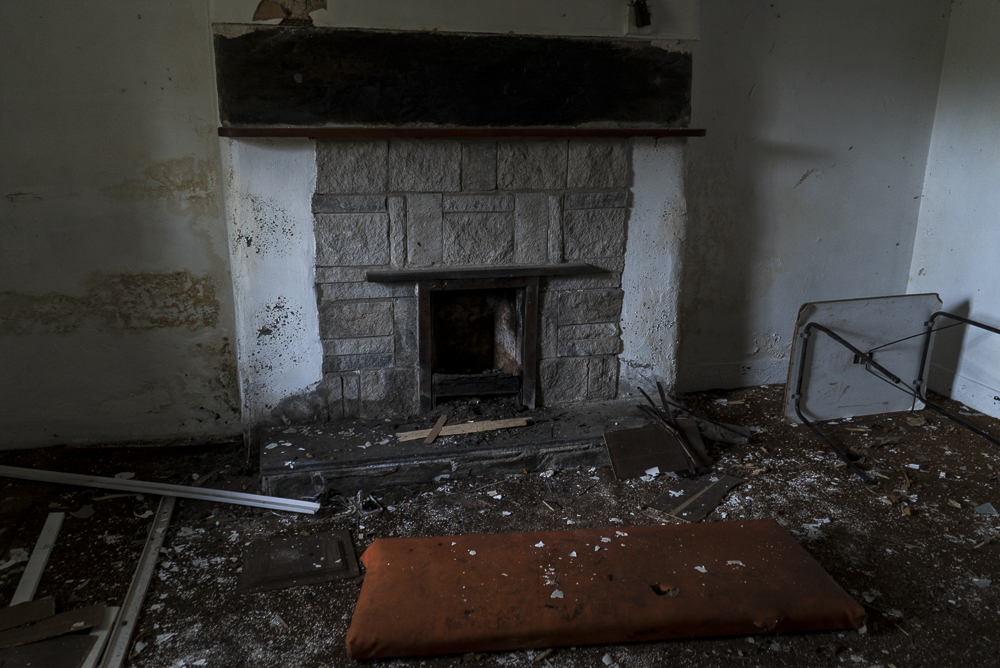
Stay in an abandoned mansion? check
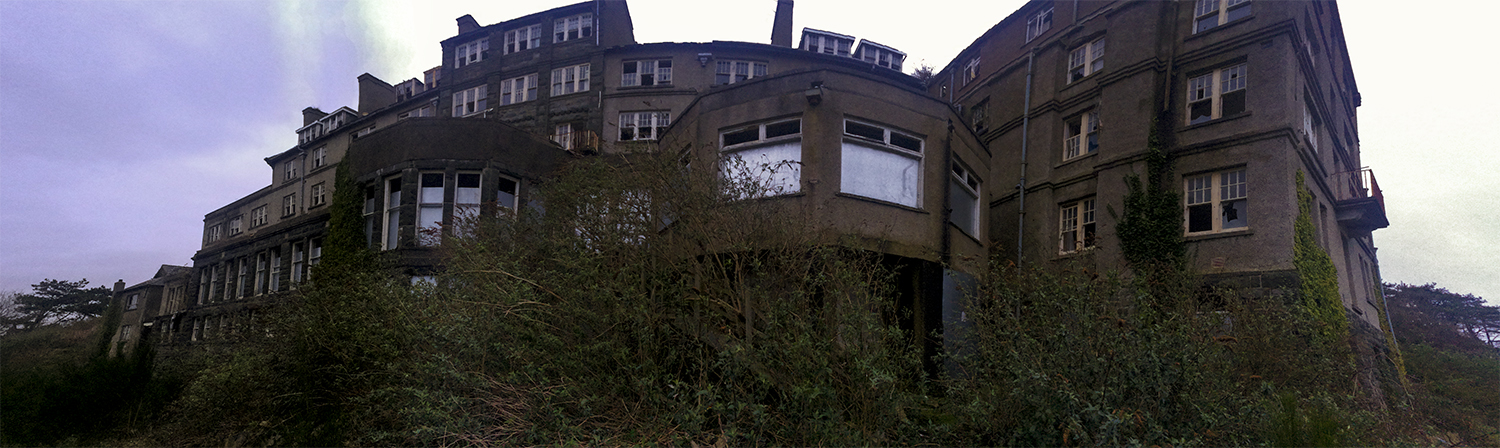
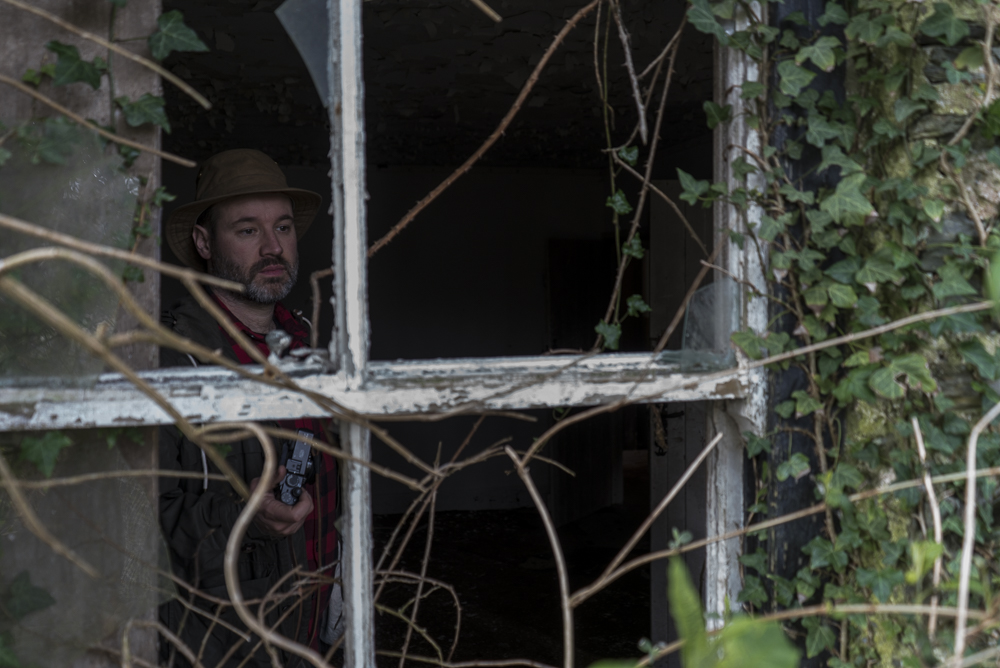
Explore a truly abandoned hotel? check
Visit Harlech and don’t take a single picture of the castle? check
Watch documentally and his brother play music together at an open mic night? check
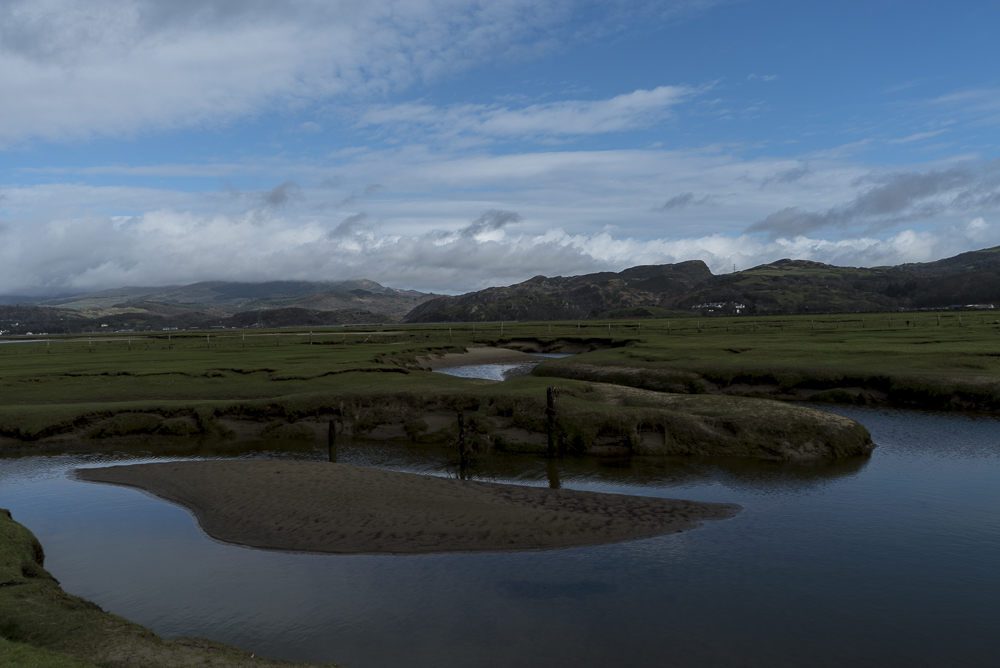
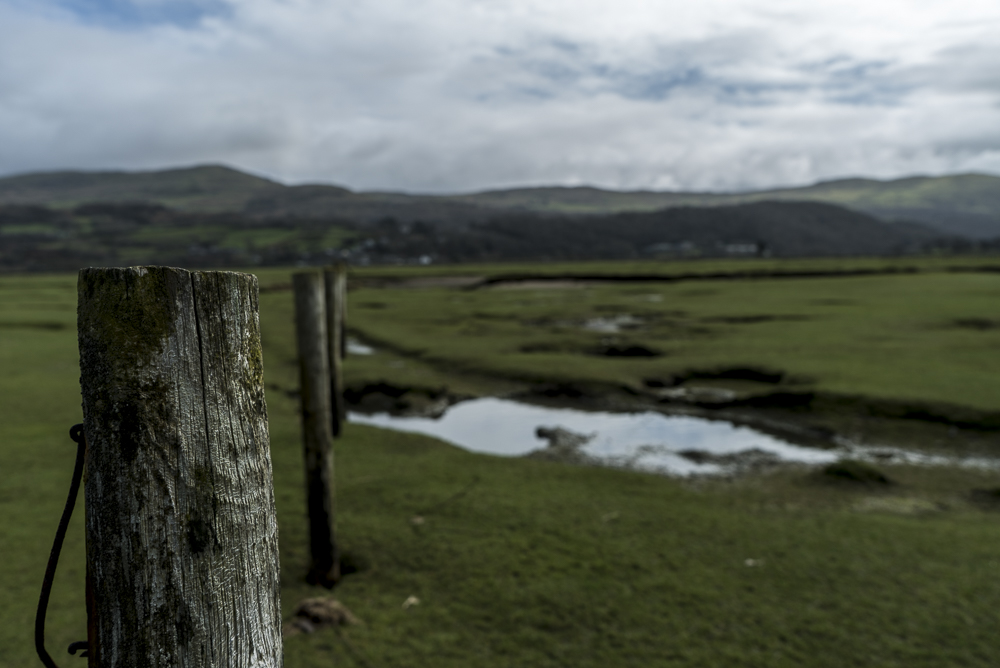
Walk out to a tiny uninhabited island in the middle of a tidal estuary? check
Drink a lot and have philosophical conversations on the nature of happiness until 3am? check
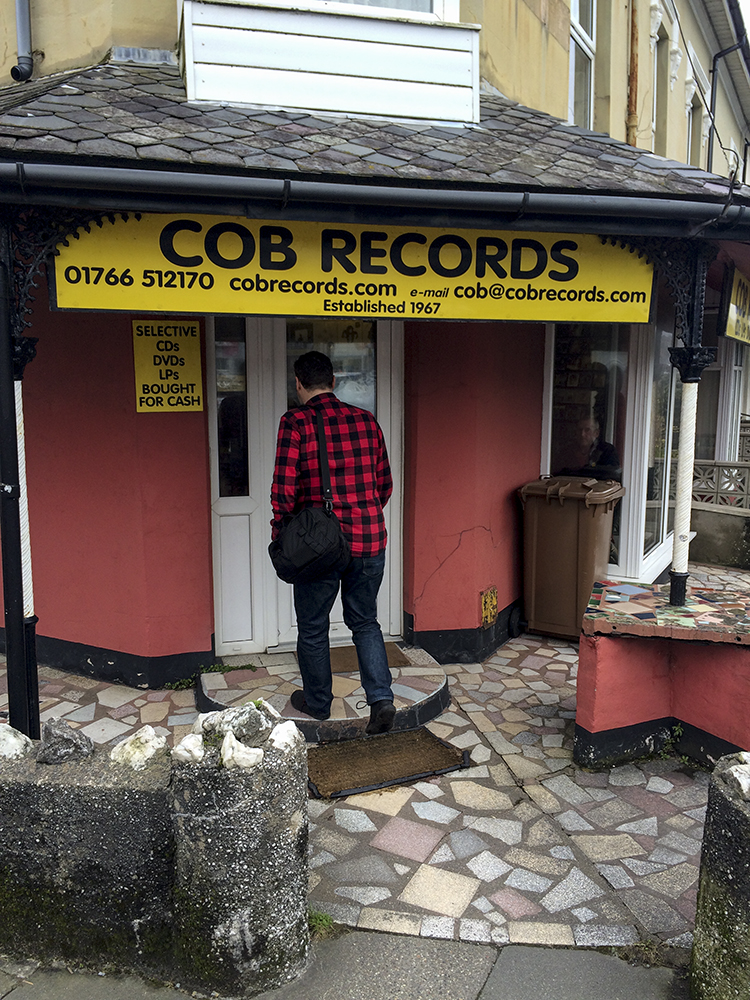
Pop into a record shop having its 50th anniversary this year? check
Feel free and spontaneous and thankful for new friends? Priceless!
Behold, some pictures…….
As an added bonus here’s a video of Mr Documentally playing Harmonica drunk with his brother on drums in a pub called “The Last Inn” in Barmouth
(Shot on my crappy iPhone 5s despite having the A7SII sat on the table……alcohol makes me stupid)
After seeing my short “Not with a bang” when he was the judge at St Neots Film Festival, Christian “Documentally” Payne hinted that he’d quite like an ident for his videos in a similar style, so seeing as it was his birthday and I hadn’t got him a card…….
You can watch the ident above and read about how I made it below :)
Christian said he wanted something “dystopian” so armed with a Sony A7SII and a CameTV Optimus gimbal I went out and shot some short clips in a deserted town center in deepest darkest England. Obviously not on a Friday night because who wants to walk around with loads of expensive gear and long hair in an English town center with all those drunk Brexit supporters, not me that’s for sure. I was looking for big signs to replace with his website address, a shot that could be anywhere and which signs I would need to replace that were parallaxing behind other things as that is a lot of extra work.
Once I had watched the footage, decided on which shot I was going to use and imported it into Premiere Pro to trim it to the correct length, the fun began. The workflow I used was similar to the process used in “Not with a bang” but thankfully less complicated, it goes like this:-
For each sign or element that needs replacing find the frame in the original video where it is at its largest and export a TIFF of that frame, making a note of the frame number.
Open it up in Photoshop and paint out unwanted elements (e.g. text) in the original sign using a combination of the clone tool, fills and adding noise to make it look as “in the scene” and natural as possible. Add in any text or images that will replace the original sign. Tweak to taste referring back to the original frame to match grain, lighting and faux-3d position.
Turn off the background layer in Photoshop and export a transparent PNG of the whole 1080p frame with just the new element and its background. Open a new After Effects composition, import the footage and the transparent PNG you just created. Marvel at how great it looks, or tweak it using curves etc until it does. Open a new Mocha Pro project and import the footage. Carefully track the sign/element you are replacing paying particular attention to the planar surface, the corners need to be accurately placed and tracked for this to be convincing. This step can get complicated if the track doesn’t want to play ball or if the element you want to track passes behind other things in the scene or if there are lots of reflections or if the scene is shot at night and the footage is grainy or……lots of other reasons. Just persevere with it, Mocha is very good at tracking (way WAY better than the native tracking in After Effects). Once you have a good track position the play head in Mocha to the frame number you took the original still from and use the “align selected surfaces” button to push the corners of the planar surface out to the corners of the 1080p frame. Hit the “Export Tracking Data” button and copy the “After Effects Corner Pin (supports motion blur)” data to the clipboard.
Hop back into after effects and paste the data onto the PNG layer (with the playhead at the beginning of the composition) Play back the composition and exclaim – 1) “oooh that looks nice” or 2) “fuck that doesn’t look right” For option one, pat yourself on the back, save the after effects project and have a nice cup of your chosen hot beverage, you need to get up and walk around now because you’ve been at staring at a screen for long enough. For option two, try to figure out why it looks shit and go back into Mocha to refine the track or Photoshop to tweak the replacement until you get to option one.
Deep vein thrombosis averted re-watch the original clip paying very close attention to any reflections that pass over your replaced element or brightness changes that occur over the clip duration. In After Effects watch your composition again and think about wether you need to add brightness/curve adjustments over time to mimic any changes you noticed occurring in the original shot. If you noticed reflections you may need to place a copy of the original footage over the top of your lovely tracked replacement and mask some areas so we can see the reflections again, it needs to look as real as possible because our brains are very fucking good at noticing when it doesn’t.
Right done all that? Now go back to the beginning and do it all again for every element you want to replace! If one of your elements passes behind another element in the scene scratch your head and think about how you are going to make that work with a combination of masked copies of the original footage or some other voodoo. If there is a reflection of something you have replaced visible in a shiny surface in your footage you are going to have to deal with that too. It will be a pain in the arse, especially if the surface it is reflecting in is curved, good luck with that.
Ok, really all done and happy? Great! Render out the final composition from After Effects as a nice high quality ProRes file. Import it back into the original Premiere Pro sequence and place it above your original footage. Add any additional effects like the old TV or RGB split ones I used in places, add an adjustment layer and colour grade to your chosen look. Add in the lovely audio track that you got sent to complete the recipe… Export to a nice internet friendly codec. Upload to Vimeo or Youtube and send your friend/client a link and revel in all the praise they heap upon you for your great (and fast) work. Go and have a well deserved beer.
Alternatively hire me to do it all for you, my rates are surprisingly reasonable.
Starting the new year as I mean to go on I’ve been working on a few new things with more exciting stuff coming in the next couple of months. One of those is a collaboration with Christian “Documentally” Payne – Creative Director, Technologist & Documentarian. (And it should be noted a very interesting, funny and nice man, you should subscribe to his newsletter – the poor dear only has 25K (!!) followers on Twitter so go follow him there too:)
Here is the video we are using to pitch for work, feel free to share it EVERYWHERE!
If there’s anything we can help you with don’t hesitate to contact us!
This website uses cookies to improve your experience. We'll assume you're ok with this, but you can opt-out if you wish.AcceptRejectRead More
Privacy & Cookies Policy
Privacy Overview
This website uses cookies to improve your experience while you navigate through the website. Out of these, the cookies that are categorized as necessary are stored on your browser as they are essential for the working of basic functionalities of the website. We also use third-party cookies that help us analyze and understand how you use this website. These cookies will be stored in your browser only with your consent. You also have the option to opt-out of these cookies. But opting out of some of these cookies may affect your browsing experience.
Necessary cookies are absolutely essential for the website to function properly. This category only includes cookies that ensures basic functionalities and security features of the website. These cookies do not store any personal information.
Any cookies that may not be particularly necessary for the website to function and is used specifically to collect user personal data via analytics, ads, other embedded contents are termed as non-necessary cookies. It is mandatory to procure user consent prior to running these cookies on your website.


 (raw upgrade) and
  I’m reviewing for